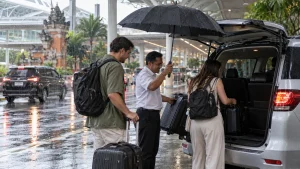

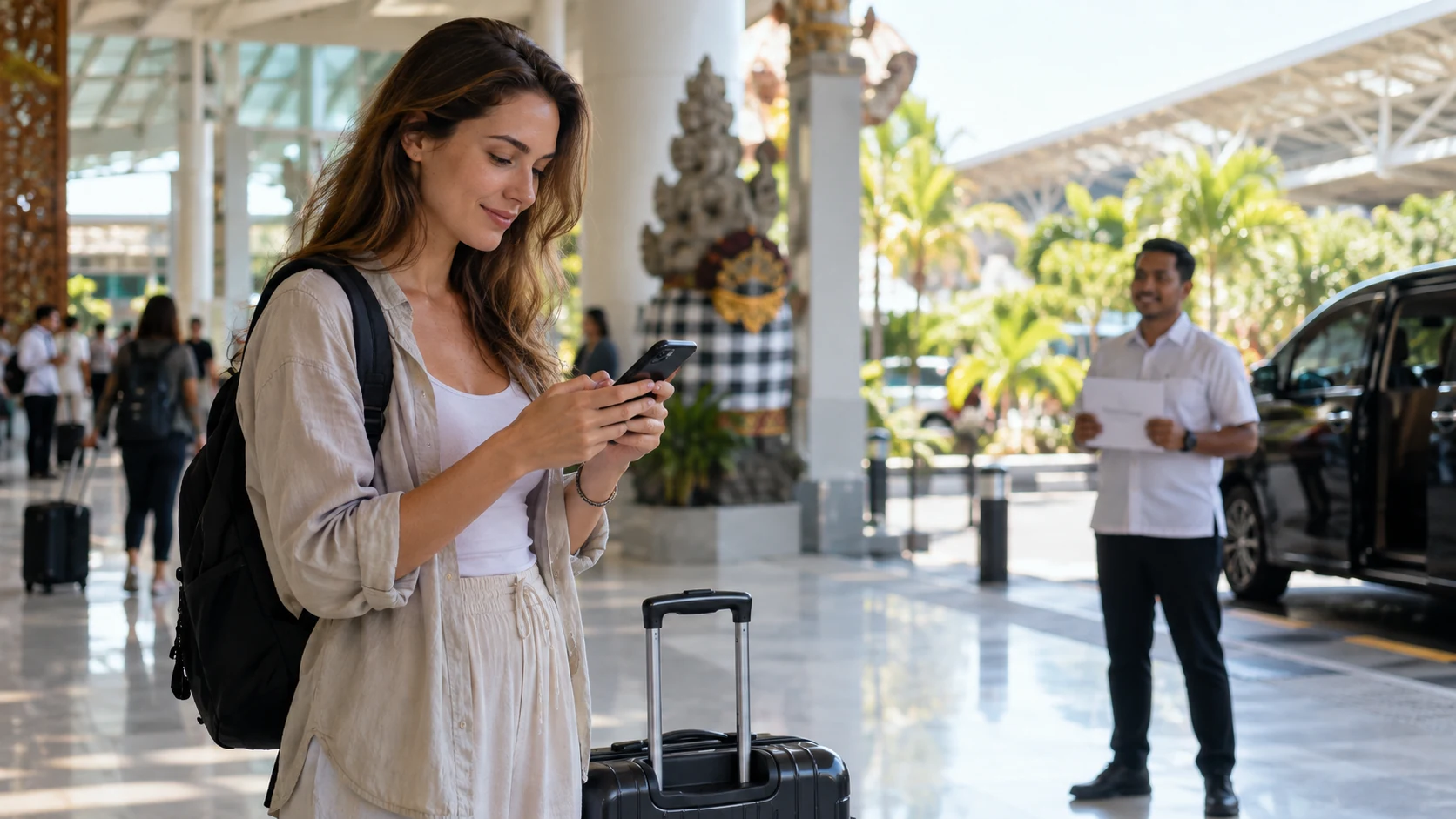
If you need internet as soon as you arrive at Bali’s I Gusti Ngurah Rai International Airport (DPS), you have three main options: connect to airport Wi-Fi, use a travel eSIM arranged before departure, or buy and register a local SIM. For the quickest start, prepare your phone and messaging plan before you fly, then use Wi-Fi as a backup while you confirm your connection.
The right choice depends mainly on activation speed and preparation, not simply the advertised data allowance. If you are meeting a driver, save the booking details and agree on a fallback meeting point before leaving home.

Airport Wi-Fi
Airport Wi-Fi can be a useful first connection if your mobile service is not ready. Free Wi-Fi is generally reported in both the domestic and international terminals, though it can be busy at peak times, especially in arrival areas. Availability, network names, sign-in steps and performance can change, so treat it as a helpful option rather than a guarantee.
How to try connecting
- Open your phone’s Wi-Fi settings and look for the airport’s currently advertised public network.
- Select the network and follow any sign-in or terms screen that appears. If a sign-in page does not open, try opening a browser and visiting a non-sensitive webpage.
- Once connected, send a short message to your driver or travel contact and confirm that it has been delivered.
Public Wi-Fi may be busy or have a limited signal in particular areas. Avoid entering sensitive account details on unfamiliar networks; use your phone’s trusted mobile connection or a reputable VPN when appropriate. Do not assume that connecting to Wi-Fi means you can receive ordinary SMS messages or calls on your home number.
eSIM before departure
A travel eSIM can reduce the steps you need to take after landing because you can purchase and install a compatible plan in advance. Depending on the provider and plan, it may connect once you reach the destination or require you to enable the line and data roaming. Read the provider’s instructions carefully: installation, activation and first network connection are not always the same step. Some local eSIM plans ask for your passport details and phone IMEI before activation, so check what the seller requires when you buy.
Check before buying
- Your phone supports eSIM and is not locked to a network that prevents using another carrier.
- The plan covers Indonesia and has enough data for maps, messaging and arrival arrangements.
- You understand when the plan starts counting down, whether data roaming must be enabled, and how to contact support.
- You know whether the seller needs your passport or IMEI details in advance.
- You know whether it is data only or includes an Indonesian phone number, calls or SMS.
A data only eSIM is often sufficient for internet based messaging such as WhatsApp, provided the app is already set up. It may not provide a local number for conventional calls or SMS verification. Keep your home SIM available if you need to receive messages on that number, and check any roaming charges before leaving it enabled.
For the fastest practical setup, install the eSIM while you still have reliable internet, follow the supplier’s instructions, and label the lines clearly in your phone settings. Avoid deleting an eSIM profile during troubleshooting unless the provider tells you to; some plans restrict reinstallation.
Local SIM
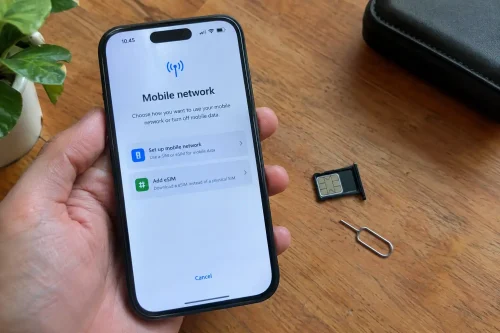
A physical Indonesian SIM is another option and some providers also offer local eSIM products. Buying locally can be useful if you want an Indonesian number or prefer assistance from a seller. However, the purchase and registration process adds steps after arrival, so it may not be the fastest choice when your immediate priority is sending a pickup message.
Foreign visitors should expect identity and device related checks to depend on the provider and current Indonesian requirements. Official customs guidance explains that foreign visitors staying for up to 90 days can seek access to Indonesian networks through an operator service point for IMEI registration; visitors using international roaming on a foreign SIM do not need that registration for roaming. Requirements and procedures can change, so check the current official guidance and the chosen operator before relying on a particular process.
At the counter
- Keep your passport available if requested for registration.
- Ask what registration is included, whether your handset is eligible, and whether any additional steps are needed.
- Confirm the plan’s validity, data allowance, local number and top-up method before paying.
- Test mobile data and, if relevant, calls or SMS before leaving the counter.
If you need a driver, review your meeting arrangements and your Bali airport transfer with driver contact details before travelling. Having the contact information saved offline means you are not relying on a newly purchased SIM to find it.
WhatsApp setup
WhatsApp is a convenient way to communicate with a driver when both parties can access the internet. Set it up before departure rather than waiting until you reach the arrivals area.
Before you fly
- Install or update WhatsApp and confirm that you can open your account.
- Save the driver or service contact, including the full international phone number.
- Send the booking reference and flight details to the service in advance if requested.
- Check that you can receive account verification messages on the number linked to WhatsApp. Changing data SIMs does not automatically change the number registered in the app.
When switching to an eSIM or local SIM, WhatsApp can generally continue using the account already registered on your phone. If prompted to register again, pause and make sure you understand which number you are verifying. Do not share verification codes with anyone claiming to be your driver.
Offline backup
Prepare for the possibility that Wi-Fi is unavailable, a SIM registration takes longer than expected, or your phone battery runs low. A small offline pack can prevent a connection problem from becoming a pickup problem.
Arrival connectivity checklist
- Screenshot your booking confirmation and the driver’s name and phone number.
- Save your flight number, arrival date and scheduled landing time.
- Keep the terminal/meeting instructions and agreed fallback meeting point in a screenshot or note.
- Download an offline map of the airport area and your first destination where your map app permits it.
- Save your accommodation address in a format you can show a driver.
- Carry a charged power bank and the correct charging cable.
- Keep your home SIM and any eSIM installation instructions accessible.
Screenshots are especially useful because they remain readable without data. They do not replace live updates: if your flight changes or the pickup point is moved, the latest instruction should take priority.
Pickup communication
Agree on how you and your driver will recognise one another before your flight. Ask which arrivals exit or designated meeting area to use, what name or sign to look for, and what to do if you cannot connect. Airport layouts and pickup rules can change, and the correct location may depend on the service and terminal. Follow current airport signage and your provider’s latest instructions rather than assuming that every driver can wait at the same spot.
After landing, first check for any message already sent by your driver. If you have the internet, send a concise update with your flight number, that you have landed, and your current location for example, whether you are still completing arrival formalities or have reached the agreed meeting area. Avoid sending passport images or unnecessary personal information in an ordinary chat.
If the message does not go through, try the airport Wi-Fi or your alternate SIM/data line. If connectivity still fails, use the pre-agreed fallback meeting point and follow the service’s offline instructions. Do not leave the agreed area to search randomly; instead, use the named location and contact route arranged before departure.
Travellers who are comparing ground transport arrangements can read about using Grab at Bali Airport. This guide remains focused on getting connected and communicating, not on ranking transport choices.
Prepare one connection and one backup
For getting online at DPS, an eSIM arranged ahead of time may reduce arrival-day setup, airport Wi-Fi can provide a useful backup, and a local SIM may suit travellers who want an Indonesian number and can complete the required steps. Whichever you choose, test your setup, keep WhatsApp ready, and save your flight and pickup information offline.
For help arranging your arrival, review your Bali airport transfer with driver contact information and confirm the meeting instructions before departure. BaliTouristic.com can help you plan the next step of your Bali journey.

Frequently asked questions
Is there free Wi-Fi at Bali Airport?
Free Wi-Fi is generally available in the domestic and international terminals, but network access and performance can vary, particularly at busy times. Keep a mobile-data or offline backup.
Should I buy an eSIM before flying to Bali?
If your phone supports eSIM, arranging a suitable plan before departure can reduce setup tasks after landing. Check compatibility, coverage, activation rules and whether the plan includes data only or a local number.
Can I use WhatsApp with a data-only eSIM?
Usually, yes, if WhatsApp is already registered and the eSIM provides working internet access. A data-only plan does not necessarily provide a local number for calls or SMS.
Do tourists need to register a phone to use a local SIM?
Registration and device requirements can depend on the service and current rules. Check the Indonesian authorities latest guidance and the operator’s instructions before purchase; international roaming on a foreign SIM is treated differently from using an Indonesian SIM.
What if I cannot contact my driver after landing?
Try airport Wi-Fi or your alternate mobile line, then use the fallback meeting point and offline instructions agreed before departure. Keep the booking reference, driver contact and flight number saved as screenshots.
Can I keep my home number while using an eSIM?
Many compatible phones support more than one line, but the exact setup varies by device and plan. Check your handset’s dual-SIM settings and your home provider’s roaming charges before travel.